Photo Frame → Wall Dashboard
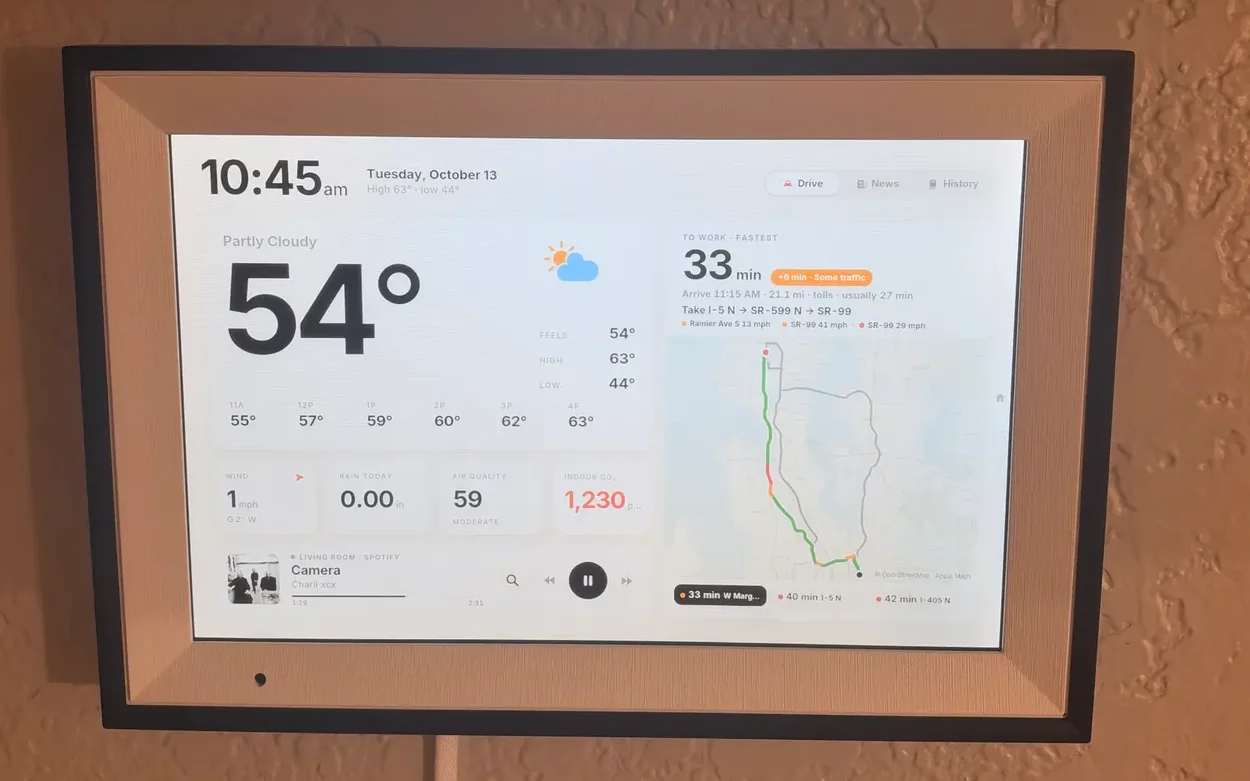
A cheap Android photo frame (Allwinner A33, Android 6, Chrome 44 WebView) rebuilt as an always-on wall display: weather, an aircraft radar scope, air quality, garden watering and a daily forecast with jokes, driven by a Python server.
01 / Problem
A decade-old browser, running unattended for months
Photo frames have good screens and terrible software. This one is an Allwinner A33 on Android 6 with a WebView from 2015 (Chrome 44: no CSS grid, no modern JS). It needed to show live data all day, dim itself at night, recover from crashes without anyone touching it, and still look like a designed object on the wall.
02 / On the wall
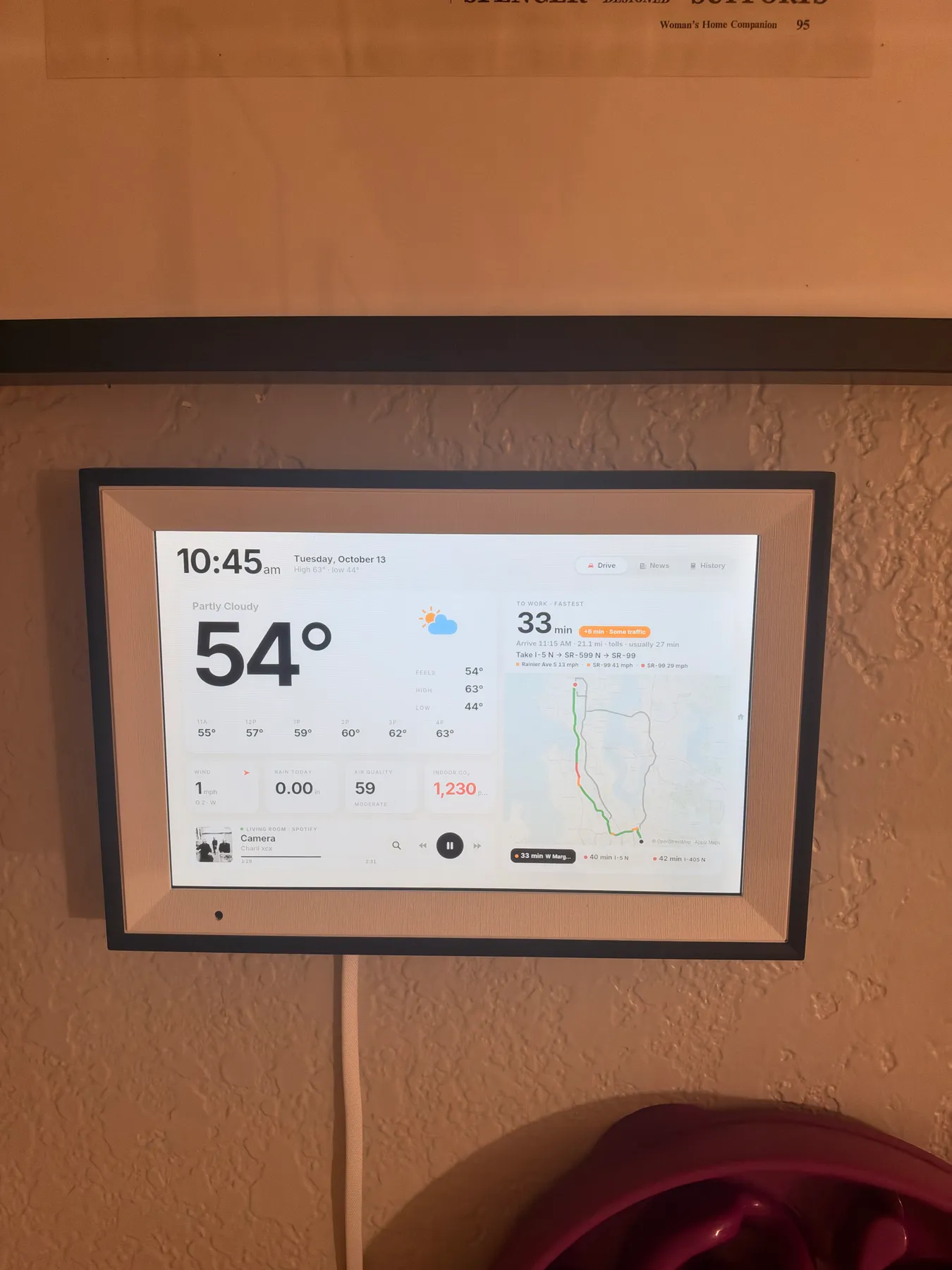
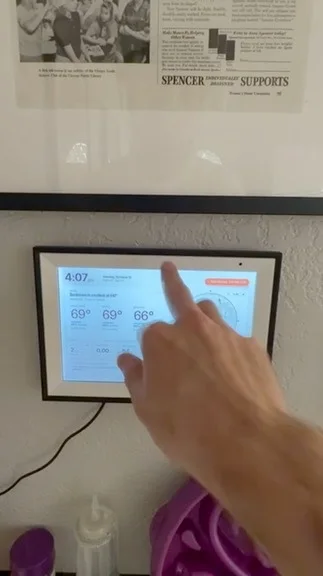
The actual frame, in the actual house
03 / Light / dark
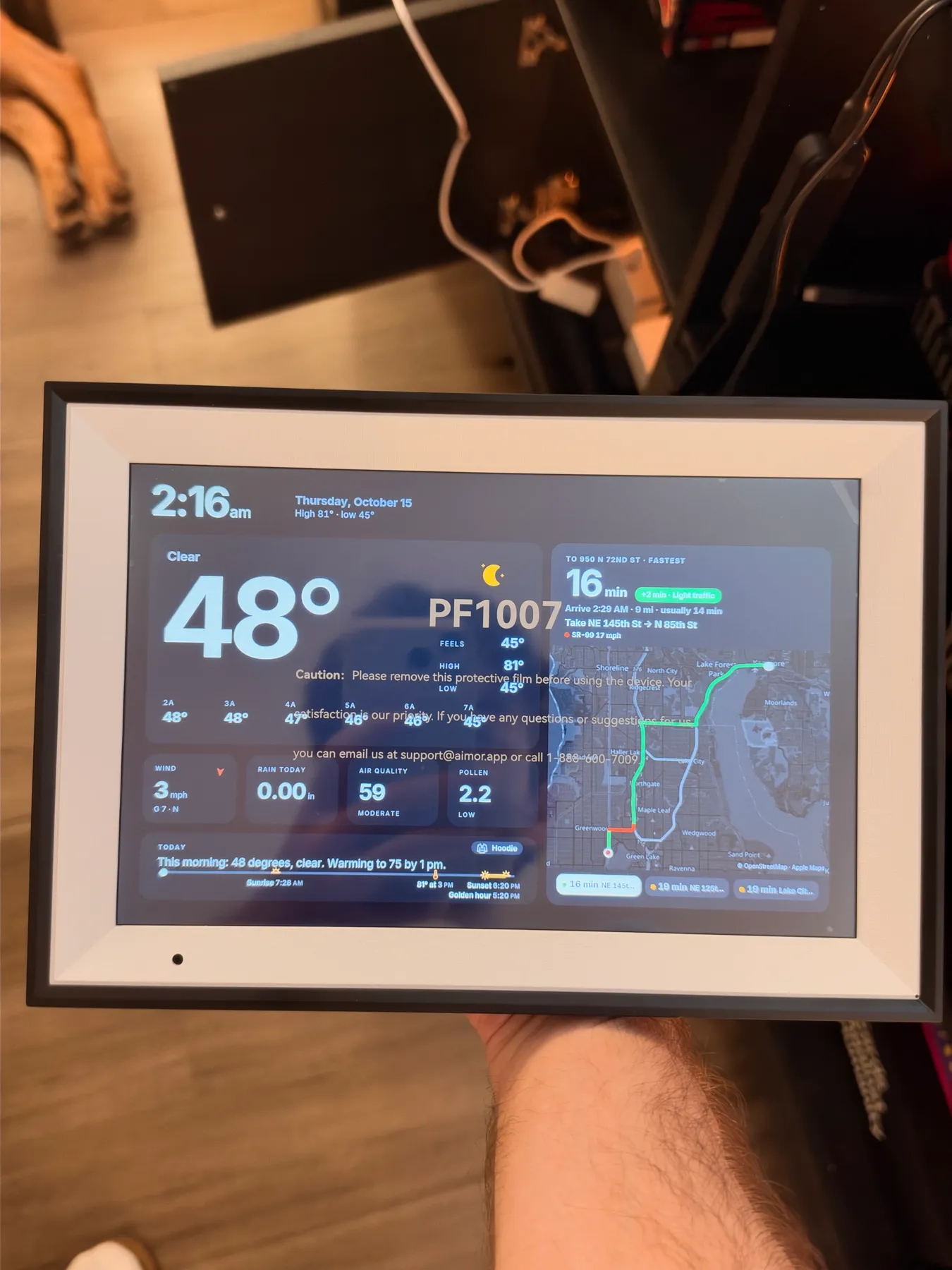
Drag to compare
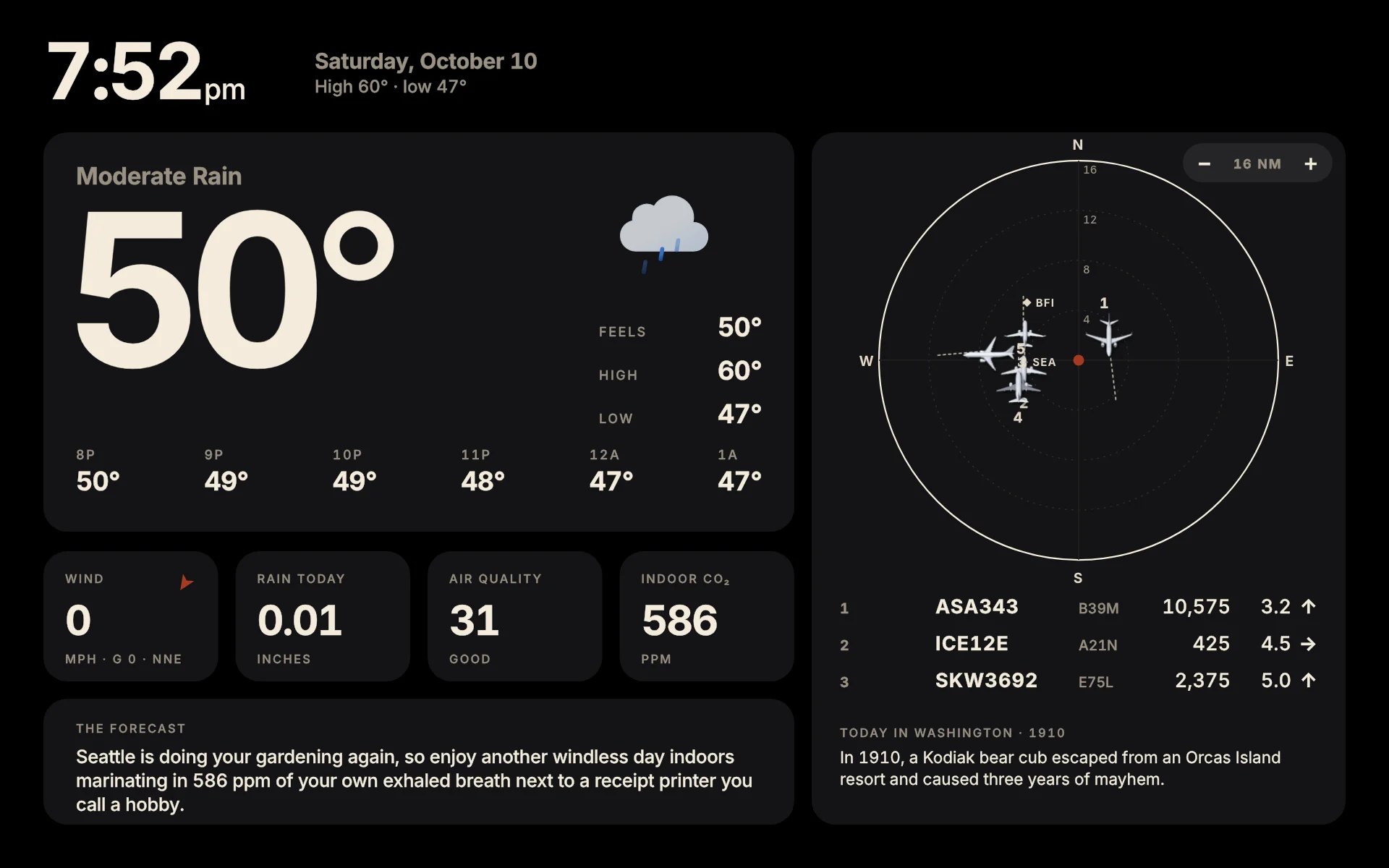
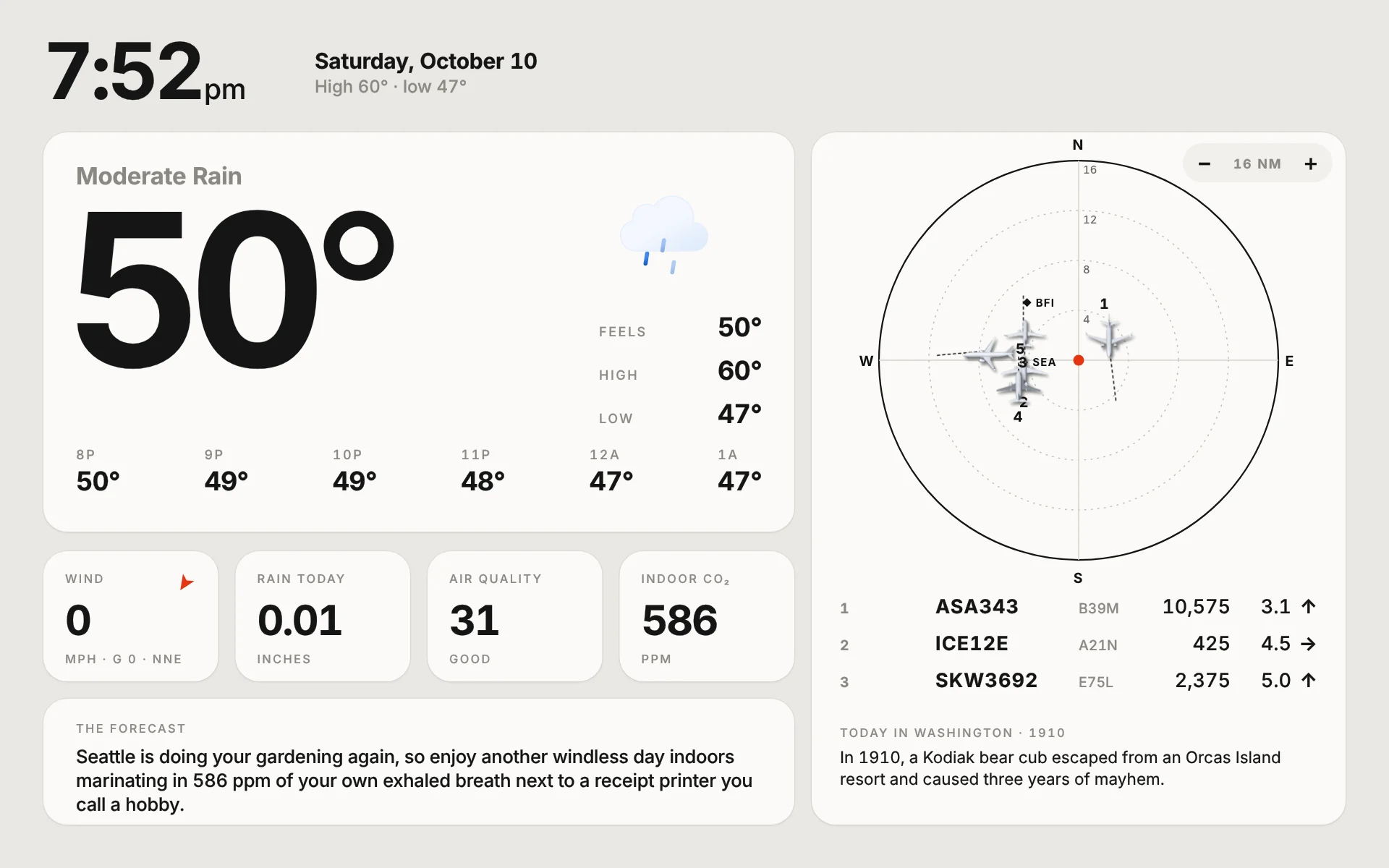
04 / Architecture
01 →
Kiosk APK (API 23)
aapt2 → javac → d8 → zipalign → apksigner by script, no Gradle. Registers as HOME, relaunches on boot.
02 →
Watchdog
The page heartbeats through a JS bridge; 45 s of silence → reload, 3 failed reloads → rebuild the WebView.
03 →
Ambient brightness
Lux scales brightness between a floor and the page's target; a knock filter on the accelerometer detects presence.
04 →
Python data server
Tempest weather, AirNow, pollen, ADS-B scope, Sonos/Spotify, Tesla, Home Assistant and Homebridge devices.
05 →
LLM flavour text
A one-line sarcastic forecast and the daily digest from small models via OpenRouter, built from data already on screen.
06 →
Thermal printer spin-off
The same data prints as a morning weather card on a Phomemo T02 over Bluetooth LE, no vendor app.
05 / Technical analysis
Design for the oldest target
CSS and JS are written for Chrome 44, so the same page also runs anywhere newer, including the Portal desk panel that reuses it.
No wake locks
Timers pause in onPause; the page asks for keep-awake only when it needs it, so a stuck page can't hold the screen on forever.
Bridge exposed only to trusted origins
The native bridge can change brightness and read sensors, so the kiosk only points at my own dashboard.
A shareable demo build
A trimmed version (clock, weather, air quality) runs on any 1280×800 frame or browser with no home-specific code or keys.